We recommend updating your cookie settings to enable full functionality
Quick Links
Manuals
Datasheet
Please follow the steps below:
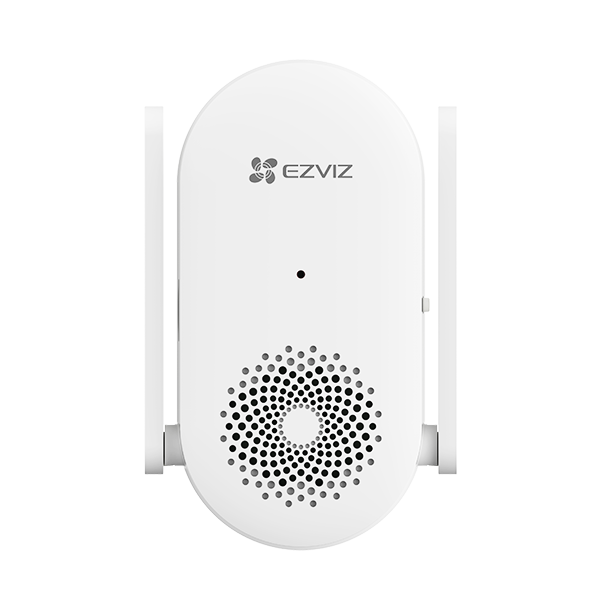
1. Tap the chime card on the Home page of the EZVIZ APP.
2. Tap the doorbell card here and select "Speaker details."
3. Tap on "Reminder sound of the speaker" to choose the preferred sound.
We have updated our Terms of Service, CloudPlay Paid Subscription Terms and Privacy Policy. Please read them carefully.OK
We provide you with customized service and safe user experience with Cookie. Login and browse our website indicates that you permitted us getting information in/out the website with Cookie. Please visit Use of CookiesOK
 EZVIZ no longer supports Internet Explorer 10 or earlier versions, and the site may not behave as expected. Please upgrade to a newer browser.




 Store
Store